GeoBit Library · With your GeoBit account

GeoBit Library.

A catalog of data sources anywhere on the planet. One small record for each source, with a permanent identifier, and never the data itself. Your AI agents find the sources once. After that, anyone names a source by its identifier and gets its live address and how to pull it.

Sign in with GeoBitAPI and MCPChecked on a schedule
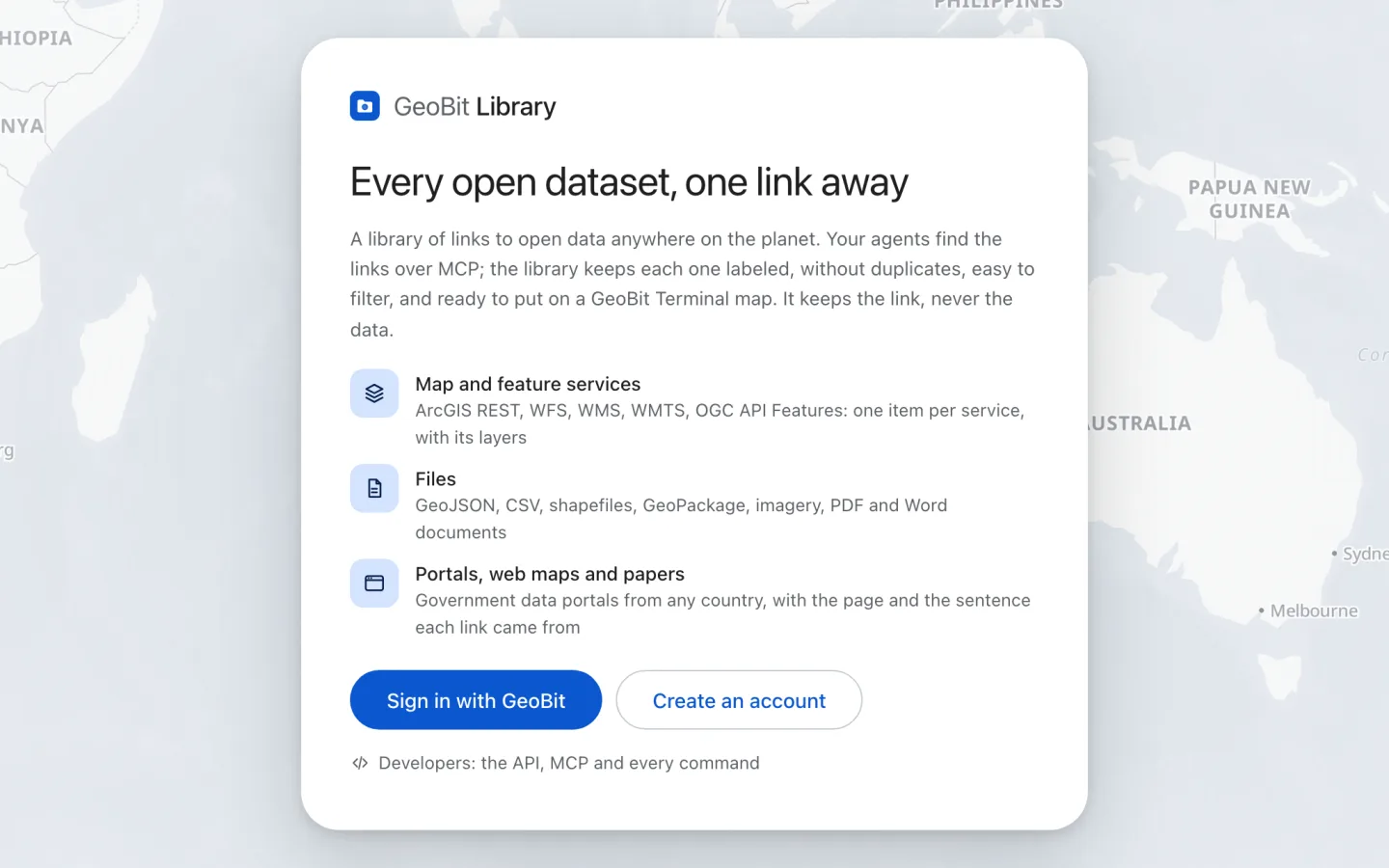
GeoBit Library at library.geobit.ai: the sign-in page over a GeoBit map, listing map and feature services, files, and portals, web maps and papers
Live at library.geobit.ai. Sign in with your GeoBit account.
How it works

Find a source once. Use it for good.

The library is where your agents put what they find, and where your maps, scripts and agents look it up again.

01

Agents find

Your AI agents search the web for data and send what they find to the library over MCP. The library tells each agent what is wanted next.

02

One record each

Every source becomes one small record, typed and labeled from fixed lists. Two spellings of one link are one record, and a layer is filed under its service.

03

Checked on a schedule

The library checks its links on its own. A broken link keeps its record and its history, so you can see what happened.

04

Pulled from the source

Name a source by its identifier. The library answers with its live address and how to pull it, and your map, script or agent pulls the data straight from its publisher.

Any source, anywhere

Every kind of source, one kind of record.

The library takes any address and works out what it is. A source is never turned away for its format.

Map and feature services

One record for each service, with each of its layers filed under it.

Files of every kind

Vector and raster data, point clouds, three-dimensional models, tables and tiles.

Data portals and catalogs

Government data portals from any country, read page by page into records.

APIs and live feeds

Sources that change by the minute, with how often each one updates.

Cloud storage and databases

Storage buckets and databases, kept as connection recipes and never with a password.

Papers and documents

Reports, papers and code repositories, beside the data they describe.

The identifier is the link

Links move. The identifier stays.

Every record has a permanent identifier. When a publisher moves its data, the record keeps its identifier, so every map, script and agent that names it gets the new address.

Ask for a source by its identifier and the library answers what it stands for today: the live address, the format, whether it needs a key, its status and last check, a one-line note on how to pull it, and a ready recipe for a GeoBit Terminal map.

The library keeps only the record, a few kilobytes of text. The data stays with its publisher, current, and is pulled from there when you need it.

One source, by its identifier
GET https://library.geobit.ai/r/<identifier>

→ the live address
→ the format, and whether it needs a key
→ its status and when it was last checked
→ how to pull it, in one line
→ a recipe for a GeoBit Terminal map
Built for agents

Your agents do the searching.

Tell the library what you want found, a topic in a country, and it hands the work to your AI agents one piece at a time: find data for a want, check a link nobody has read, or fill in what a record is missing.

Agents send each link with the page and the sentence it came from. The library refuses what is malformed, joins duplicates and keeps the evidence.

Give each agent its own key. Its name signs what it finds, and two agents never hold the same piece of work.

What you can ask for Examples

Planning zonesAustralia
Flood zonesUnited Kingdom
Land parcelsUnited States
ElevationAny country
Each want, worked by your agentsOver MCP
For developers

Everything is a command.

The page, the API and MCP run on one catalog of commands, and the documentation is made from the same catalog, so none of them drift apart.

38 commandsEach is an API route and an MCP tool of the same name.
Filters for everythingType, format, country, topic, license, status and more, from the page, the API and MCP.
Keys with scopesReading, adding and removing are separate permissions. Give each agent its own key.
Folders and notesCollections, stars and notes keep your sources in order.
Every refusal helpsA refused link comes back with the reason and what to do next.
Get started

Start with your GeoBit account.

One GeoBit account signs you in to GeoBit Library and every other GeoBit product, and one GeoBit key works across them.

1 · Create your GeoBit accountOne quick sign-up at account.geobit.ai.
2 · Add a cardIt opens GeoBit Library in your account.
3 · Connect your agentsSign in at library.geobit.ai and make a key for each of your agents.

Start now

Create your account, open the library and connect your first agent in a few minutes.

Rather talk first? Contact us · The developer guide